
Selling internationally: bundles and carts that work in every market
Currencies, languages and shipping thresholds change from one country to another. How to adapt your offers without managing ten versions.
Read articleEvery app adds a script, a bill and a setting to maintain. How to audit your app stack and keep only what earns its place.

Apps are the fastest way to add features to Shopify, so they pile up. A reviews app, a bundle app, a cart app, an upsell app, a timer app, a free shipping bar... Each one seemed small when you installed it. Together, they can slow your pages down, conflict with each other and quietly add up on your bill.
Open Settings > Apps and sales channels, and list every app in a simple table:
| Question | Why it matters |
|---|---|
| What does it do? | Spot apps that do the same job. |
| How much does it cost per month? | Small plans add up quickly. |
| Does it touch the storefront? | Storefront apps affect speed, back-office apps usually don't. |
| Can you link it to revenue? | If you can't measure it, question it. |
| When did you last change its settings? | Forgotten apps are the first to remove. |
The biggest wins usually come from apps that cover the same moment of the journey. If you have one app for bundles, another for the cart drawer and a third for post-purchase offers, they each load their own scripts and styles, and they don't talk to each other. A gift added by one may not be understood by the other.
Fewer apps doesn't mean fewer features. It means fewer things that can break.
A free app is a good start. A paid one is worth it when it saves you real time, when support answers fast enough to matter during a launch, or when its revenue impact is clearly bigger than its price. Judge every app on that last point.
When you uninstall an app, some leave code behind in your theme. After removing one, preview your store, check your theme files for leftover snippets and test your product page, cart and checkout.
Amose Bundle, Cart & Upsell covers bundles, free gifts, timers, the cart drawer, upsells and post-purchase offers in one app, and Amose AI Store Builder replaces separate page-builder and section apps. One place to configure, one design system, one support team.
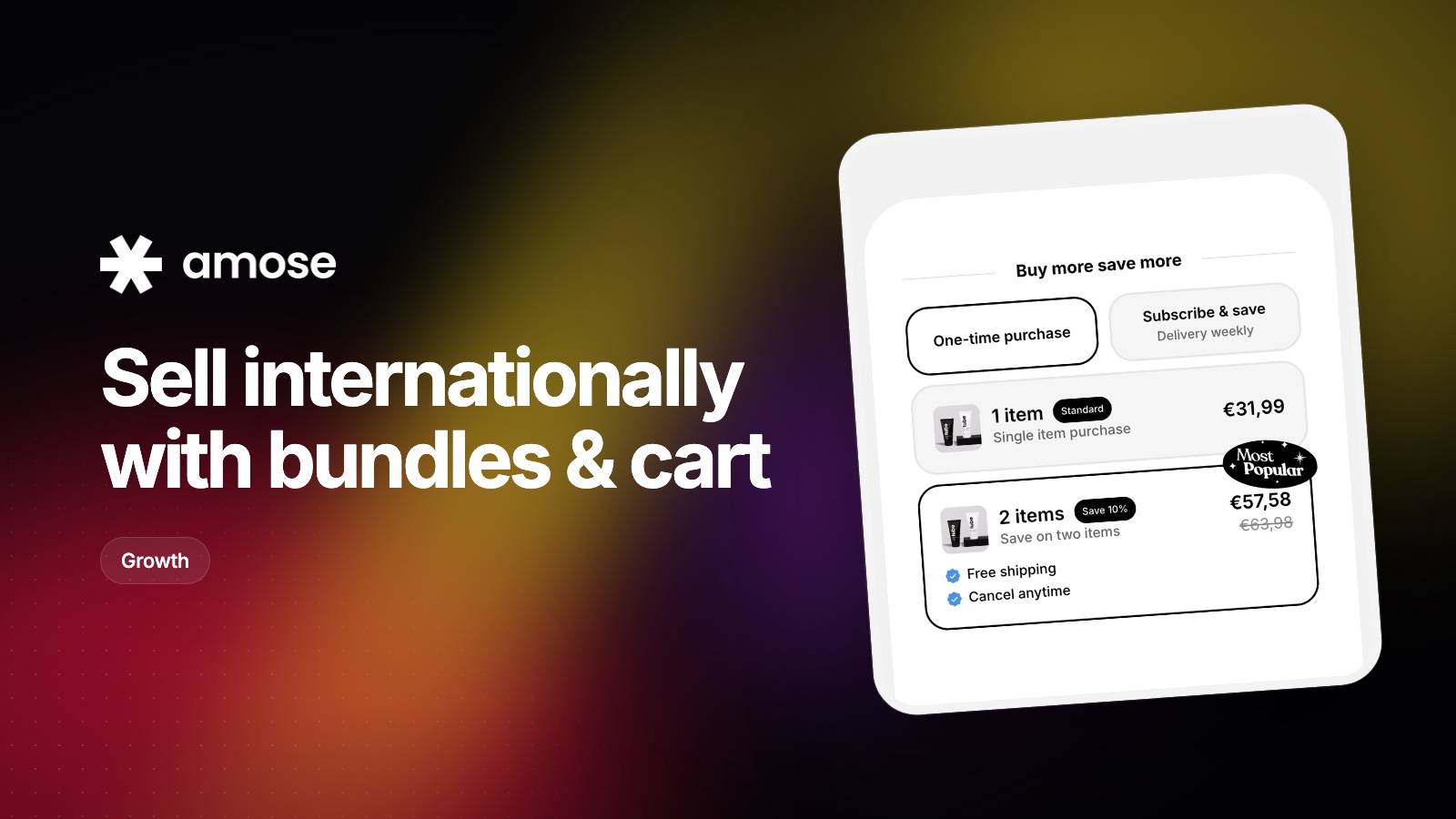
Currencies, languages and shipping thresholds change from one country to another. How to adapt your offers without managing ten versions.
Read article
Here are five Kaching Bundles alternatives, compared on pricing and what each one does best.
Read article
UpCart is one of the most popular cart drawers on Shopify. If its order-based pricing or feature set isn't right for you, here's what else to consider.
Read articleInstall Amose on Shopify and start selling more in minutes.