
Kaching Bundles alternatives for Shopify in 2026
Here are five Kaching Bundles alternatives, compared on pricing and what each one does best.
Read articleCustomers who just bought are the most likely to buy again. Here's how to make an offer they'll accept.

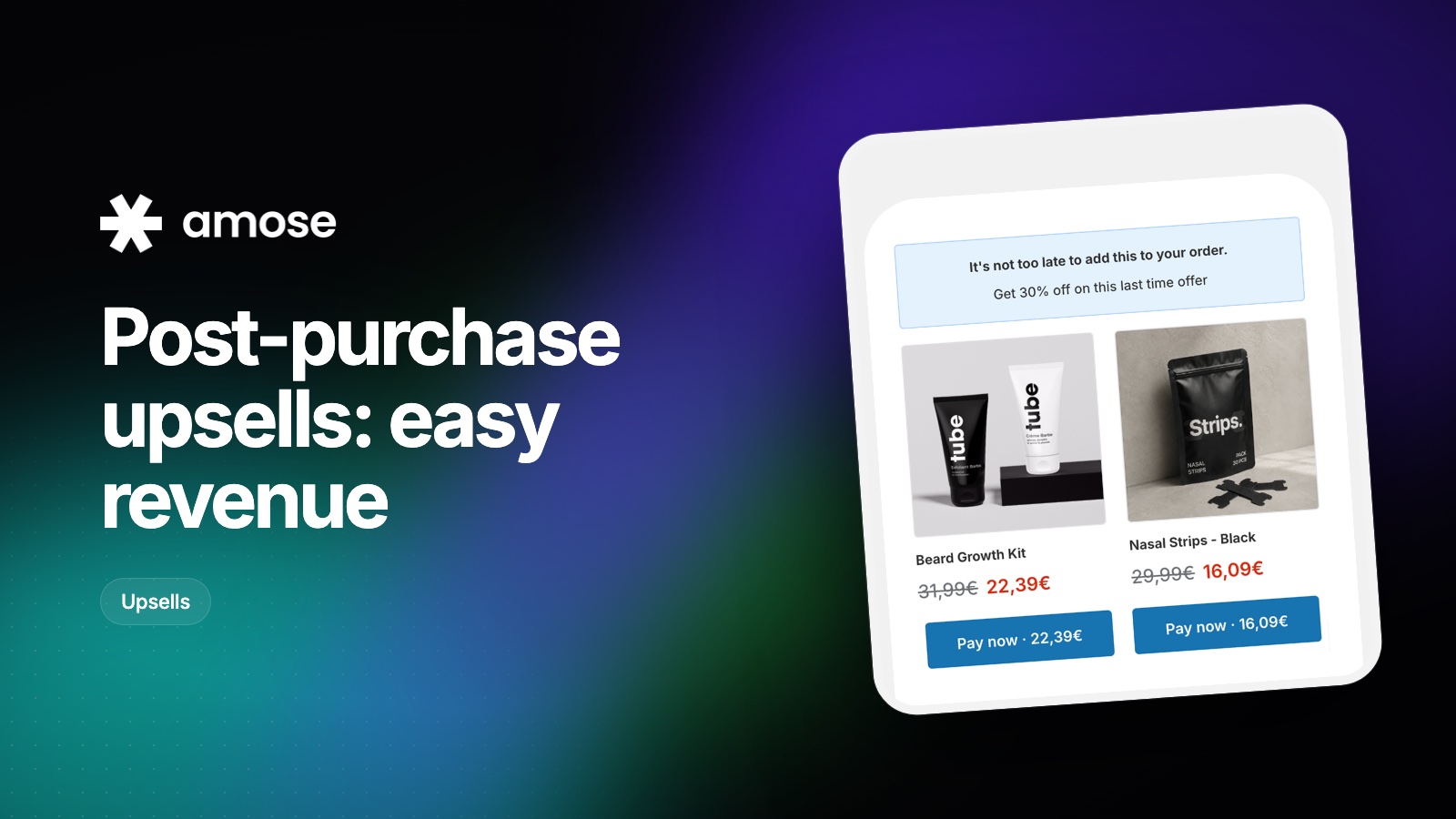
It's an offer shown right after the customer pays, before the order confirmation. If they accept, the product is added to the same order with a single click, using the payment details they just entered.
Because the first order is already paid, the offer can't cost you the sale. At worst, the customer says no and sees their confirmation as usual.
At that moment, the customer has just decided to trust you with their money. There is no form to fill, no cart to review, no shipping to recalculate. The effort to say yes is close to zero.
As a rule, keep the offer cheaper than the product they just bought. A €15 add-on after a €40 order feels natural; a €60 add-on doesn't.
Lead with why it makes sense for this order ("Complete your routine"), show the saving clearly and keep the text short. Two buttons: accept, or continue to the confirmation.
Using "most expensive item in the cart" as the trigger keeps the offer relevant to what the customer cared about most.
If the first offer is declined, a smaller second offer often still converts. If it's accepted, you can follow with a complementary product. Keep it to two offers at most so the experience stays pleasant.
In Amose Bundle, Cart & Upsell, select Amose as your post-purchase app in Shopify's checkout settings, create an offer and choose which orders it applies to. You can also add an offer on the thank-you page.
Here are five Kaching Bundles alternatives, compared on pricing and what each one does best.
Read article
UpCart is one of the most popular cart drawers on Shopify. If its order-based pricing or feature set isn't right for you, here's what else to consider.
Read article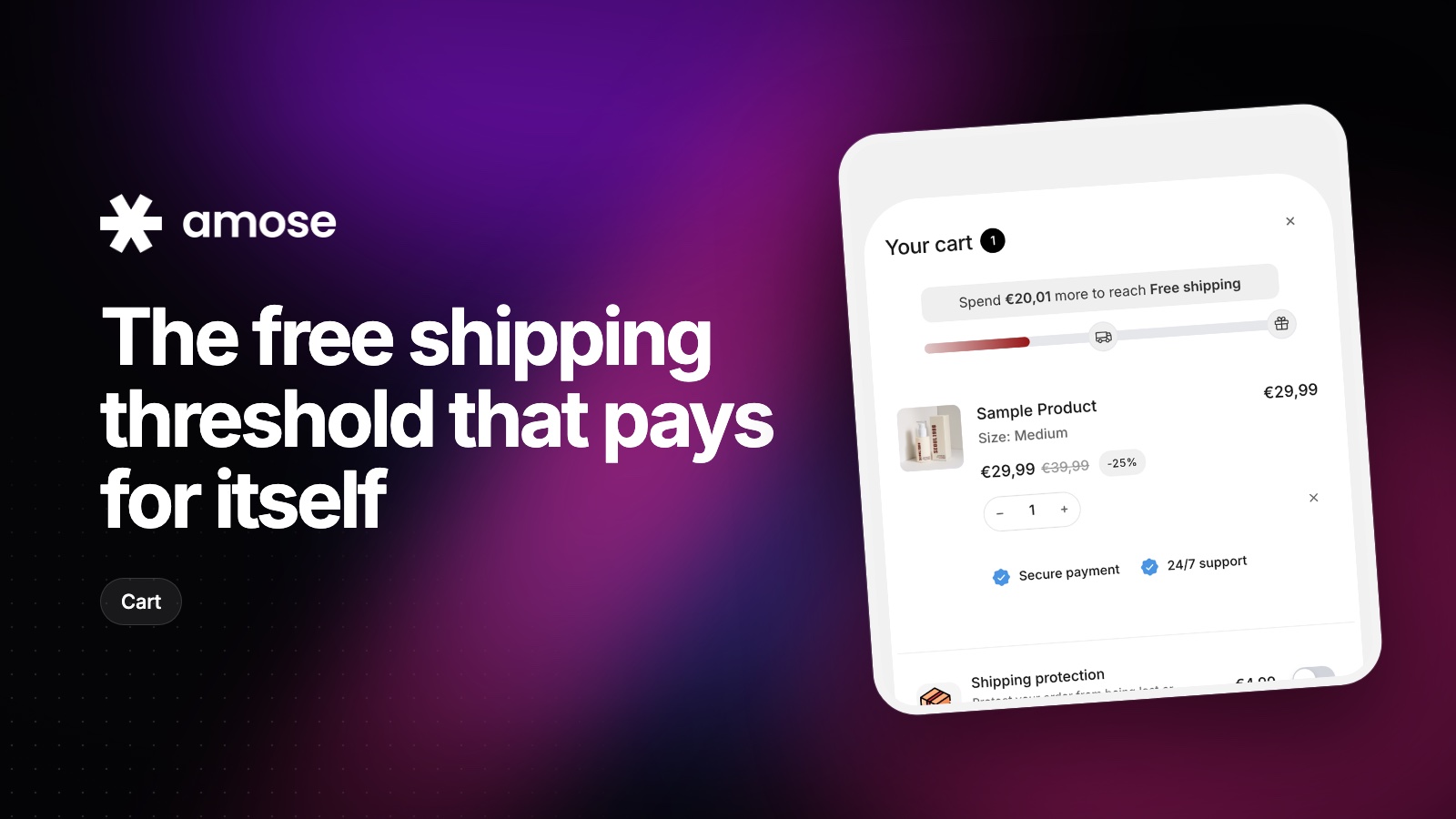
Set the bar too low and you give away margin. Too high and nobody reaches it. A simple method to find the right number.
Read articleInstall Amose on Shopify and start selling more in minutes.