
Trust badges and guarantees: where to put them so they work
A guarantee only reassures shoppers if they see it at the moment of doubt. Where to place trust signals on your product page and in the cart.
Read articleSet the bar too low and you give away margin. Too high and nobody reaches it. A simple method to find the right number.

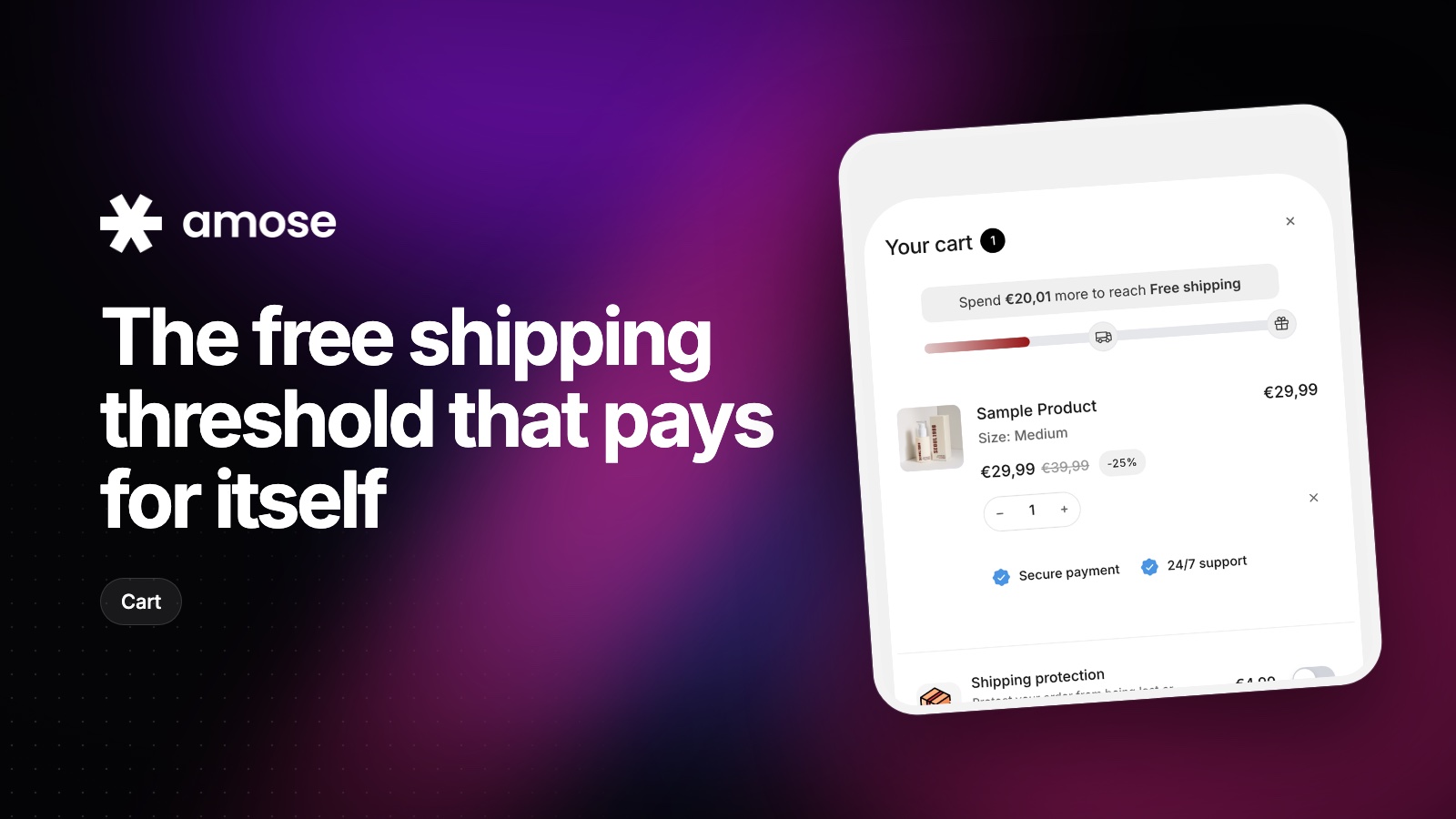
Unexpected shipping costs are one of the most common reasons shoppers leave at checkout. Free shipping removes that surprise. Done well, it also nudges people to add one more item to get there, which is where the threshold earns its keep.
You don't need a complex model. Open your Shopify analytics and note two things: your average order value and your average shipping cost per order.
If your average order is €40, a threshold around €50 is a good starting point. Most shoppers are close enough to reach it with one small add-on.
If almost every order already qualifies, your threshold is too low: you're paying for shipping without getting bigger orders in return.
A line of text in your header ("Free shipping over €50") is easy to ignore. A progress bar in the cart that says "You're €8 away from free shipping" is not. It shows exactly how far the shopper is and updates as they add products.
You can stack milestones on the same bar: free shipping first, then a free gift at a higher amount. Each step gives the shopper a new reason to keep going.
Telling someone they're €8 away is only useful if they can easily find something worth €8. Show a few recommended products right under the bar: accessories, refills or best sellers in the right price range. One tap to add, and the bar fills up.
With the Amose cart drawer, enable the progress bar, set your free shipping amount, add an optional gift milestone and pick the products to recommend. Everything updates live as the cart changes.
Run your threshold for a few weeks, then compare average order value and conversion rate with the previous period. If conversion dropped, lower the bar a little. If almost nobody reaches it, it is too far away. Small adjustments of a few euros can make a real difference.
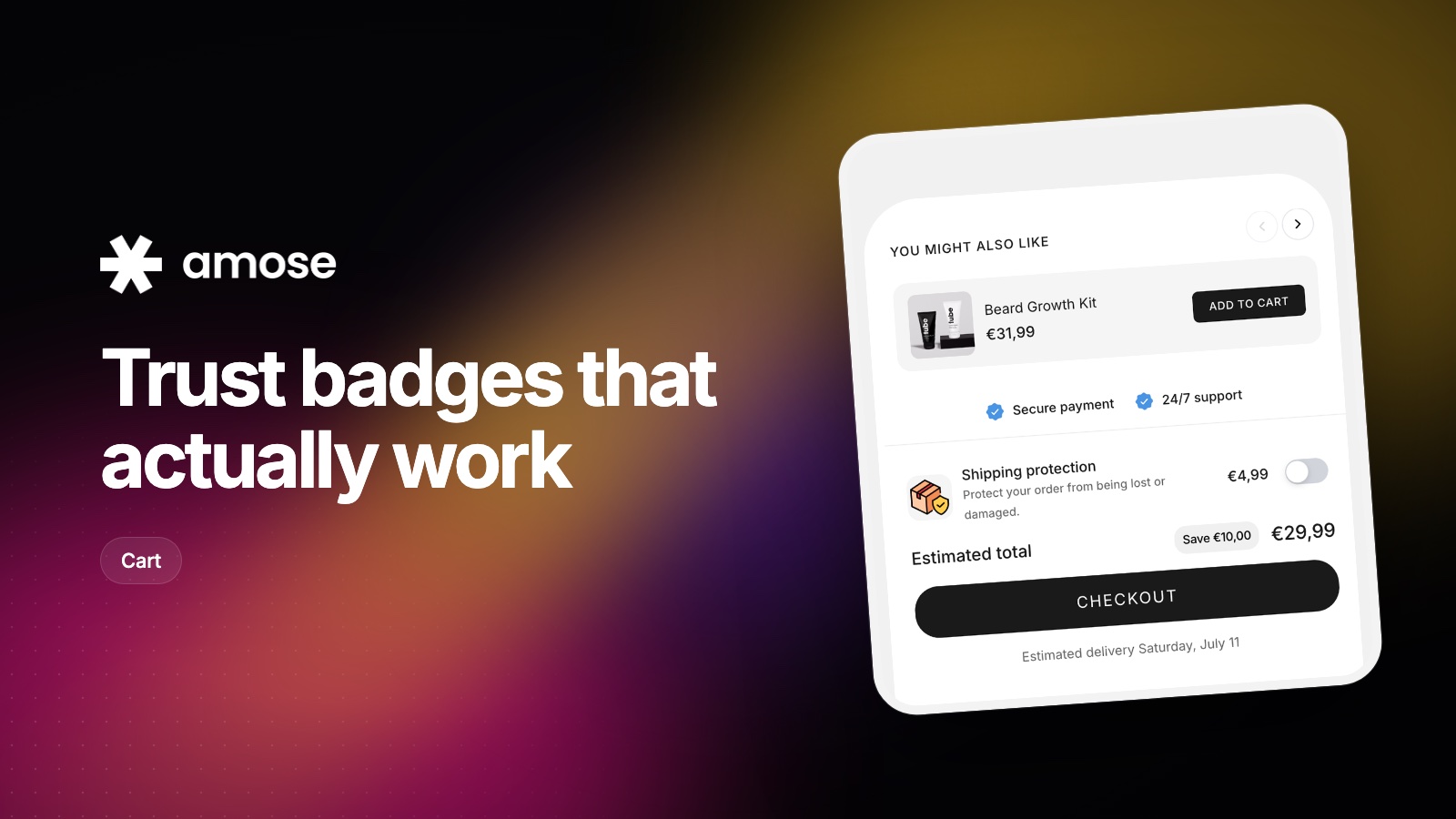
A guarantee only reassures shoppers if they see it at the moment of doubt. Where to place trust signals on your product page and in the cart.
Read article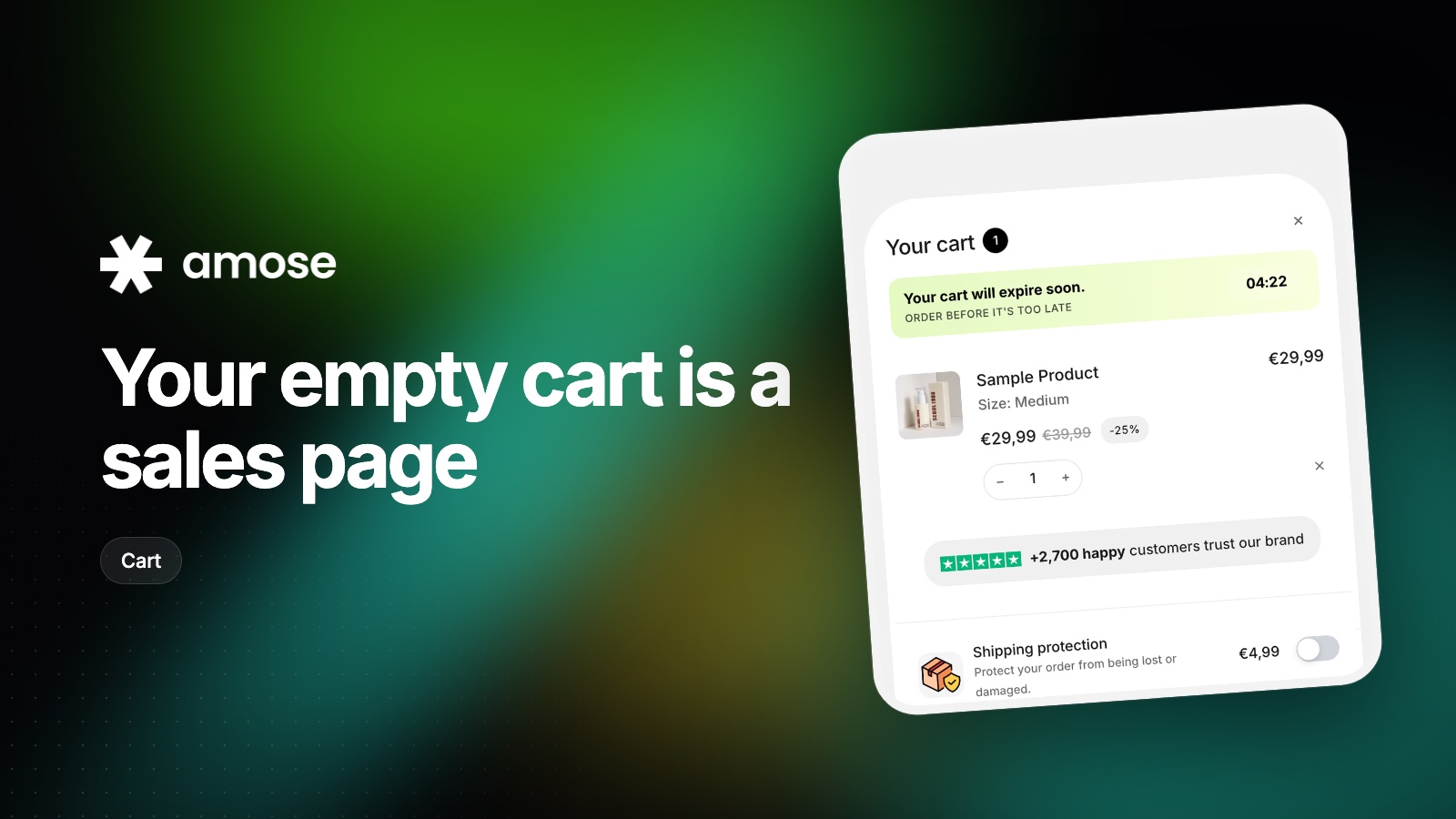
Shoppers who open an empty cart are still looking for something. Here is how to send them back to products instead of a dead end.
Read article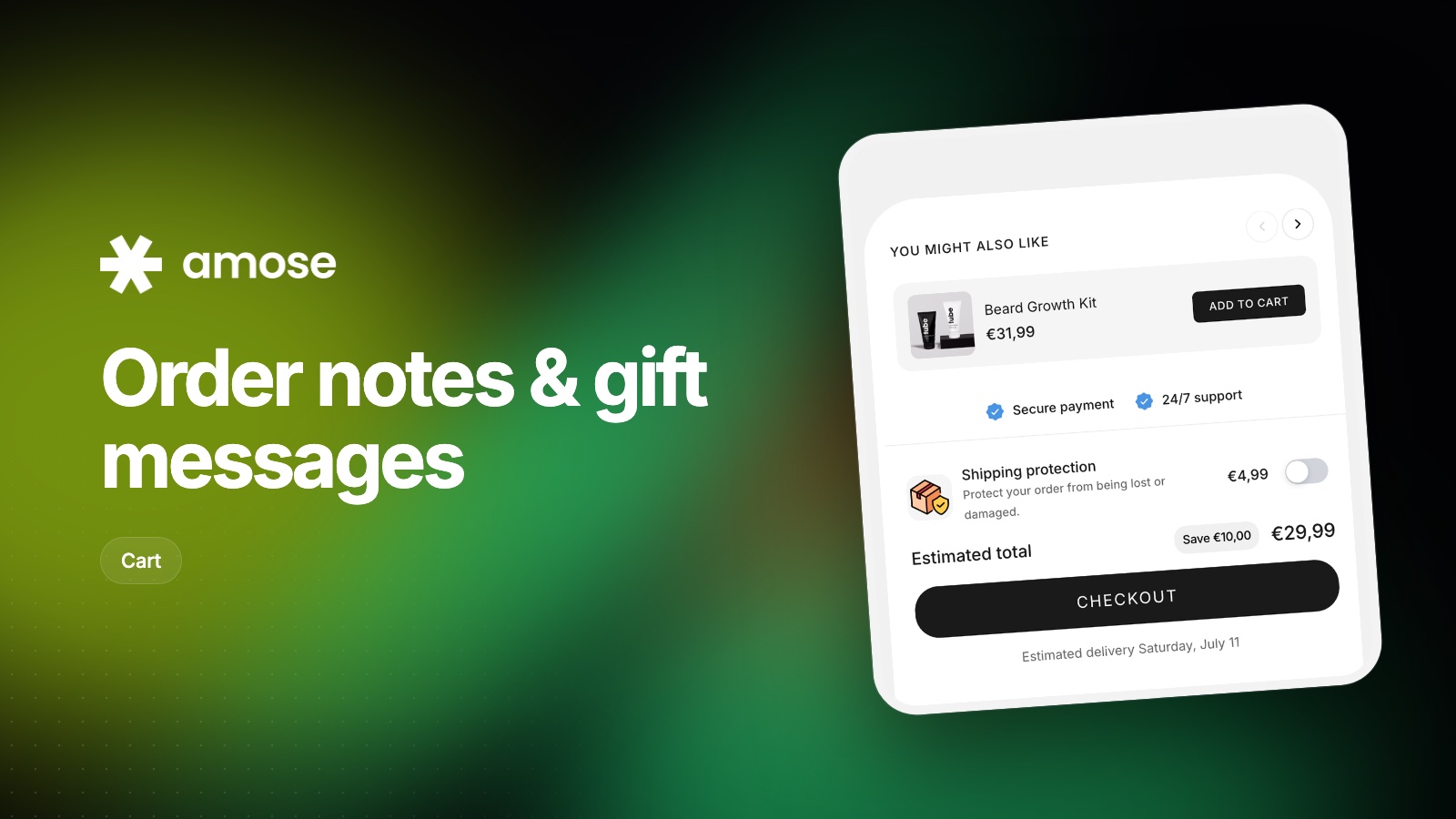
Letting shoppers leave a note or a gift message is easy to set up and often forgotten. How to do it well, and how to handle it after the order.
Read articleInstall Amose on Shopify and start selling more in minutes.