
How to set a free shipping threshold that pays for itself
Set the bar too low and you give away margin. Too high and nobody reaches it. A simple method to find the right number.
Read articleLetting shoppers leave a note or a gift message is easy to set up and often forgotten. How to do it well, and how to handle it after the order.

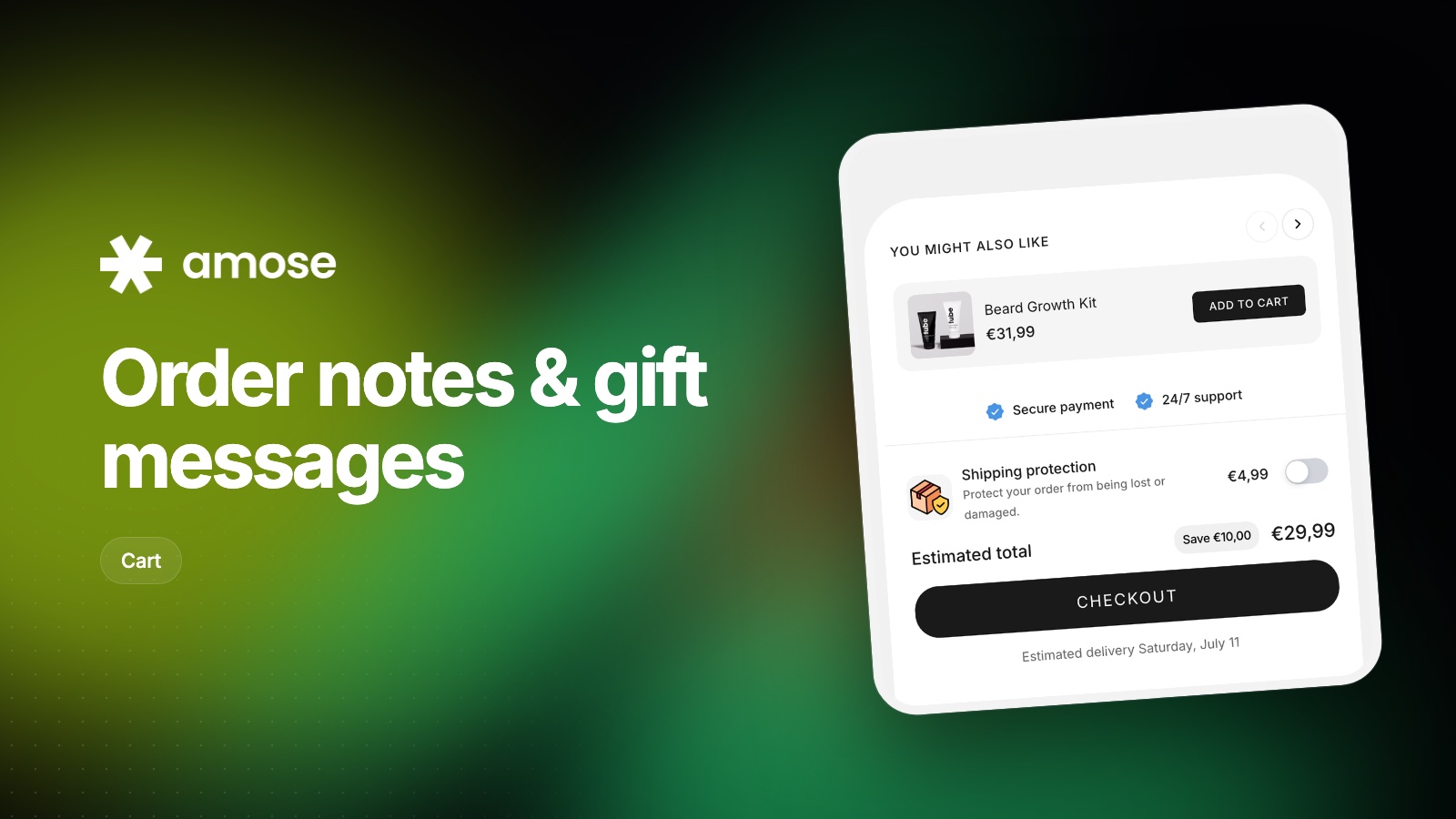
Some customers have a question that doesn't fit a product option: a delivery instruction, an allergy, a preferred date. Without a place to say it, they either email support or leave. A simple note field in the cart solves both.
Around holidays, many orders are gifts. A gift message field (and optionally gift wrap as a one-tap add-on) tells shoppers you've thought about them, and can be the reason they buy from you instead of a marketplace.
Offer gift wrap as a small paid toggle in the cart. It adds value to the order and costs little to fulfill.
An empty box labeled "Notes" gets ignored or misused. Tell customers what is useful: "Delivery instructions or a gift message (we'll print it on a card)".
A note nobody reads is worse than no note at all. Make sure notes appear on your packing slips and that your team checks them before shipping. If you use a fulfillment partner, confirm they receive them.
Collapse the note field behind a small link ("Add a note") so it doesn't push the checkout button down on mobile.
In the Amose cart drawer, add a custom text block or a toggle upsell for gift wrap, and edit every cart text to match your brand.
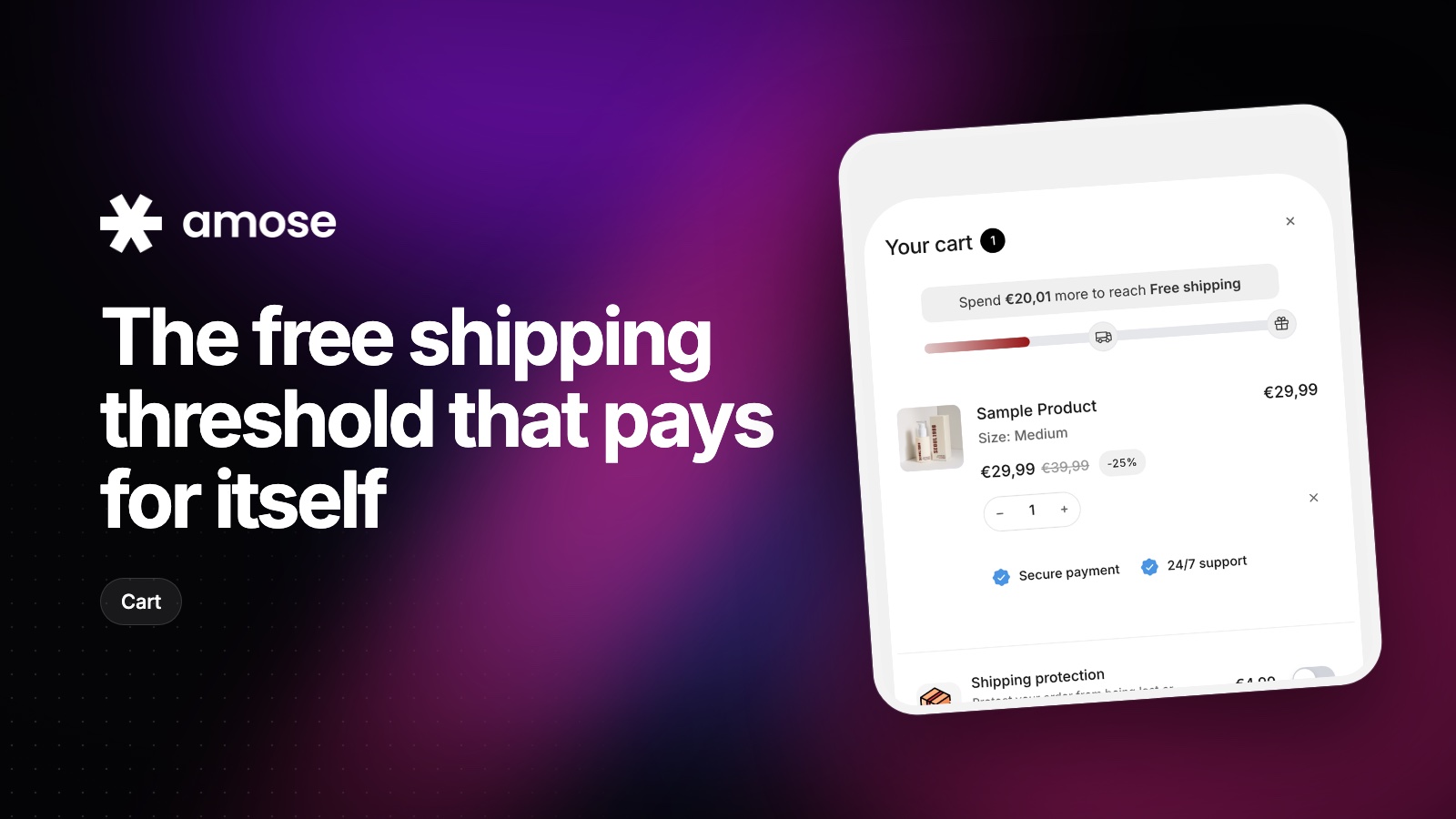
Set the bar too low and you give away margin. Too high and nobody reaches it. A simple method to find the right number.
Read article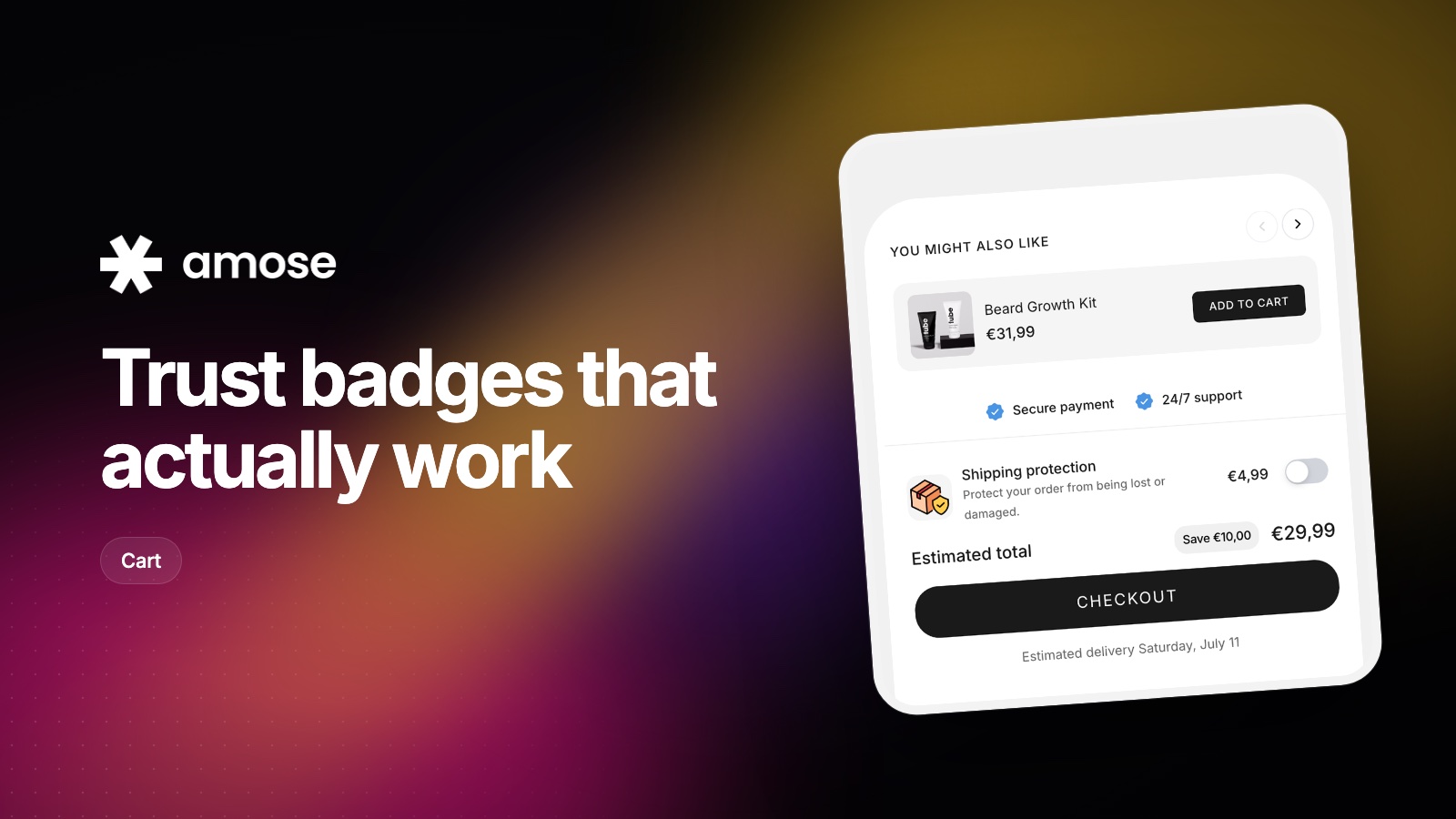
A guarantee only reassures shoppers if they see it at the moment of doubt. Where to place trust signals on your product page and in the cart.
Read article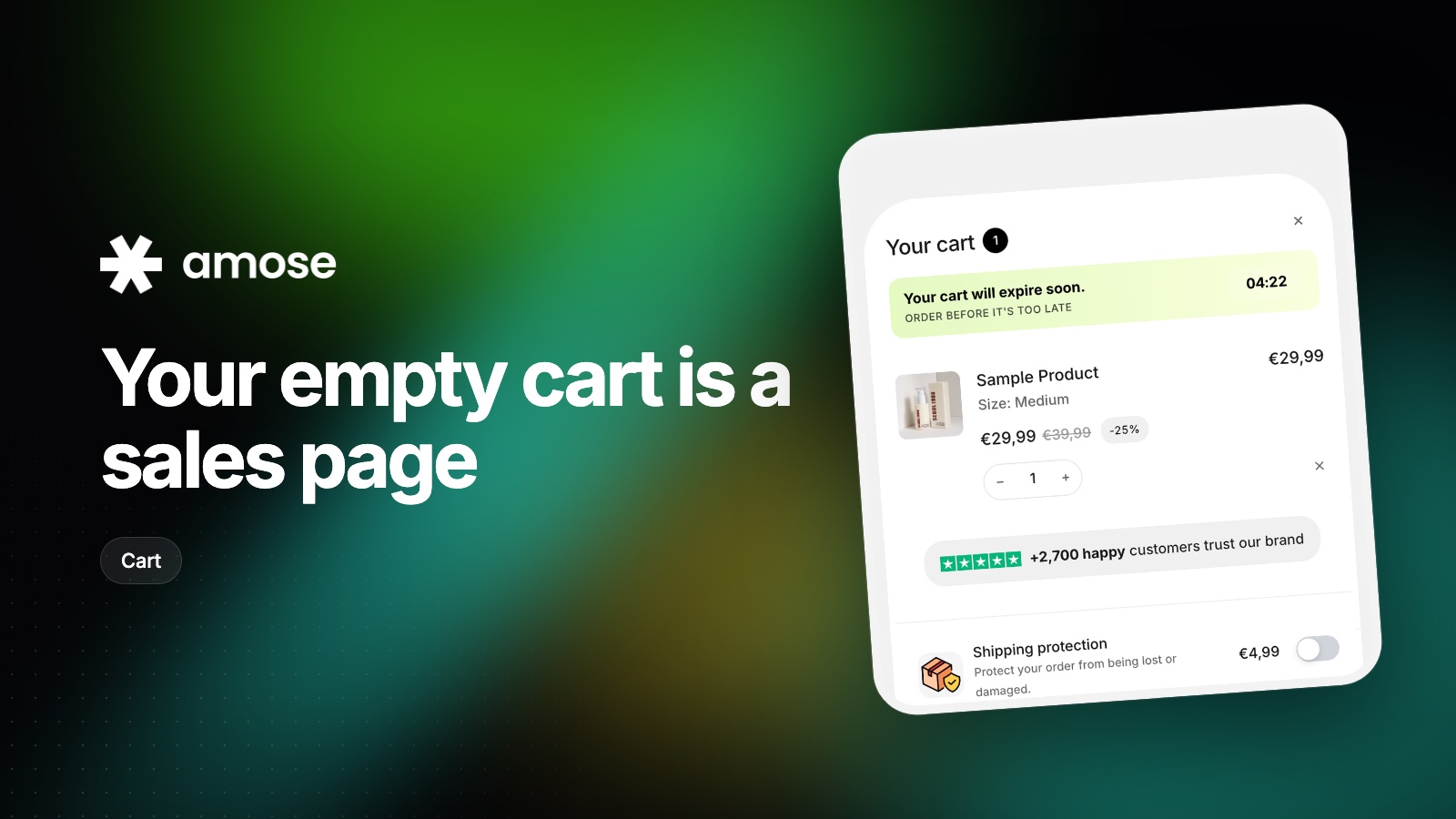
Shoppers who open an empty cart are still looking for something. Here is how to send them back to products instead of a dead end.
Read articleInstall Amose on Shopify and start selling more in minutes.