
How to set a free shipping threshold that pays for itself
Set the bar too low and you give away margin. Too high and nobody reaches it. A simple method to find the right number.
Read articleA guarantee only reassures shoppers if they see it at the moment of doubt. Where to place trust signals on your product page and in the cart.
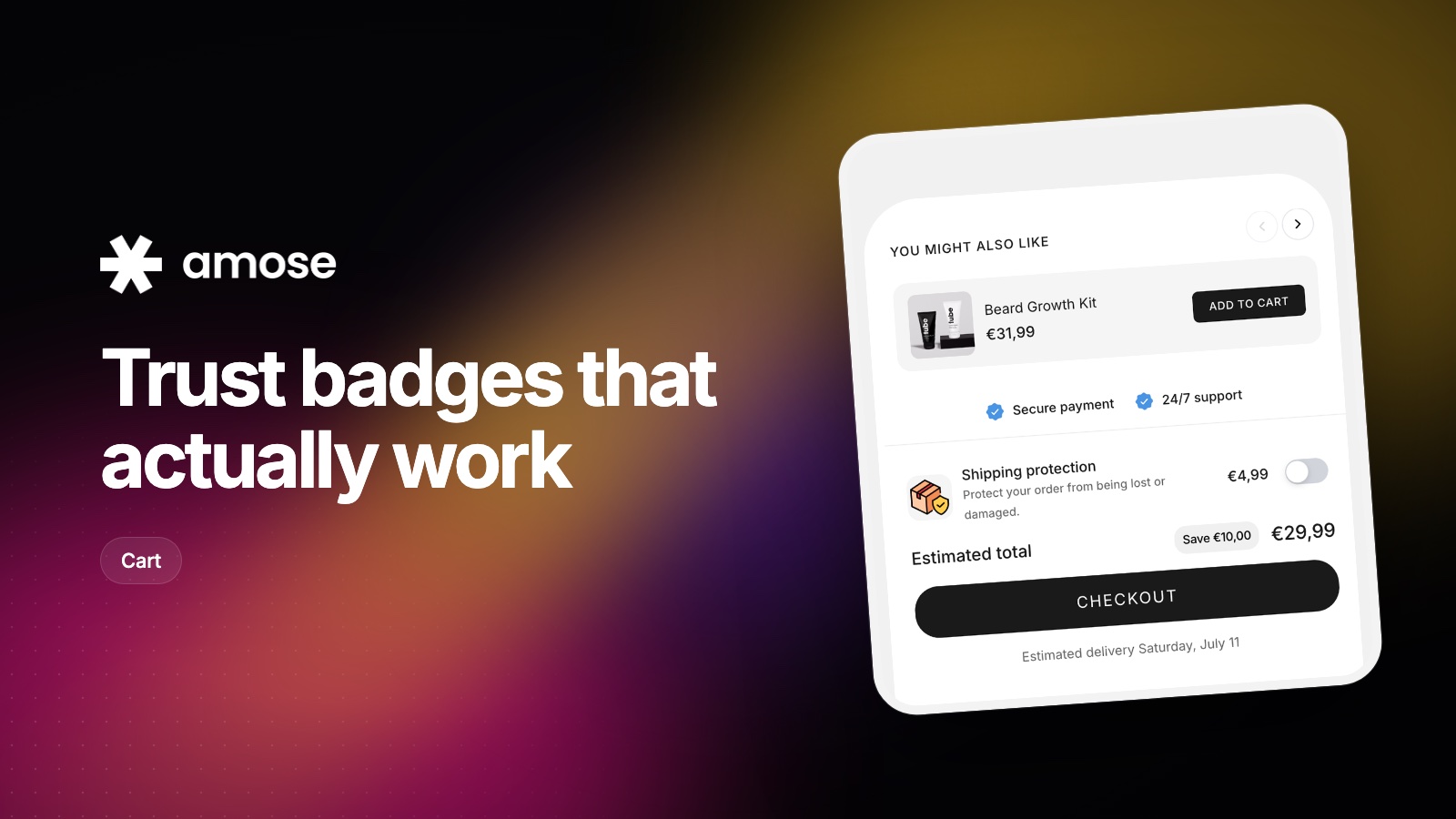
Shoppers rarely hesitate while browsing. They hesitate when they are about to pay: on the add-to-cart button and on the checkout button. That's where a short, credible reassurance does the most work.
Vague promises are easy to ignore. Specific ones are believable:
| Vague | Specific |
|---|---|
| Satisfaction guaranteed | 30-day money-back guarantee |
| Fast shipping | Ships in 24h, delivered in 2 to 4 days |
| Great support | Real humans, reply within a few hours |
| Secure | Secure checkout with Shop Pay, Apple Pay, PayPal |
Never show a guarantee you don't honor. One bad experience shared online costs more than the badge ever earned.
A row of eight badges looks like a template. Pick the two or three that answer your customers' real questions, the ones your support team hears most often.
The Amose cart drawer includes trust badges and payment icons above the checkout button, and you can add a custom text block for your guarantee.
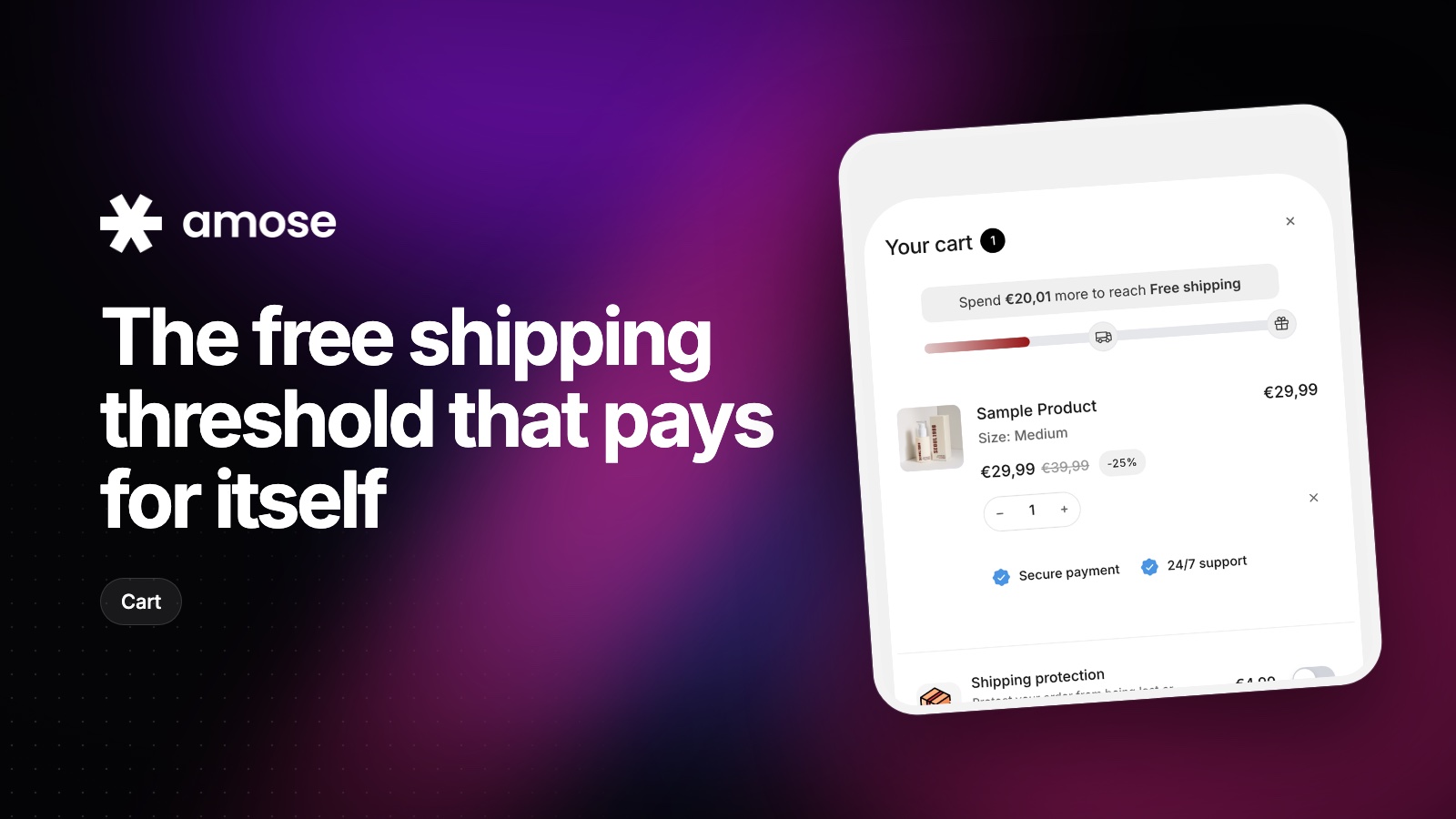
Set the bar too low and you give away margin. Too high and nobody reaches it. A simple method to find the right number.
Read article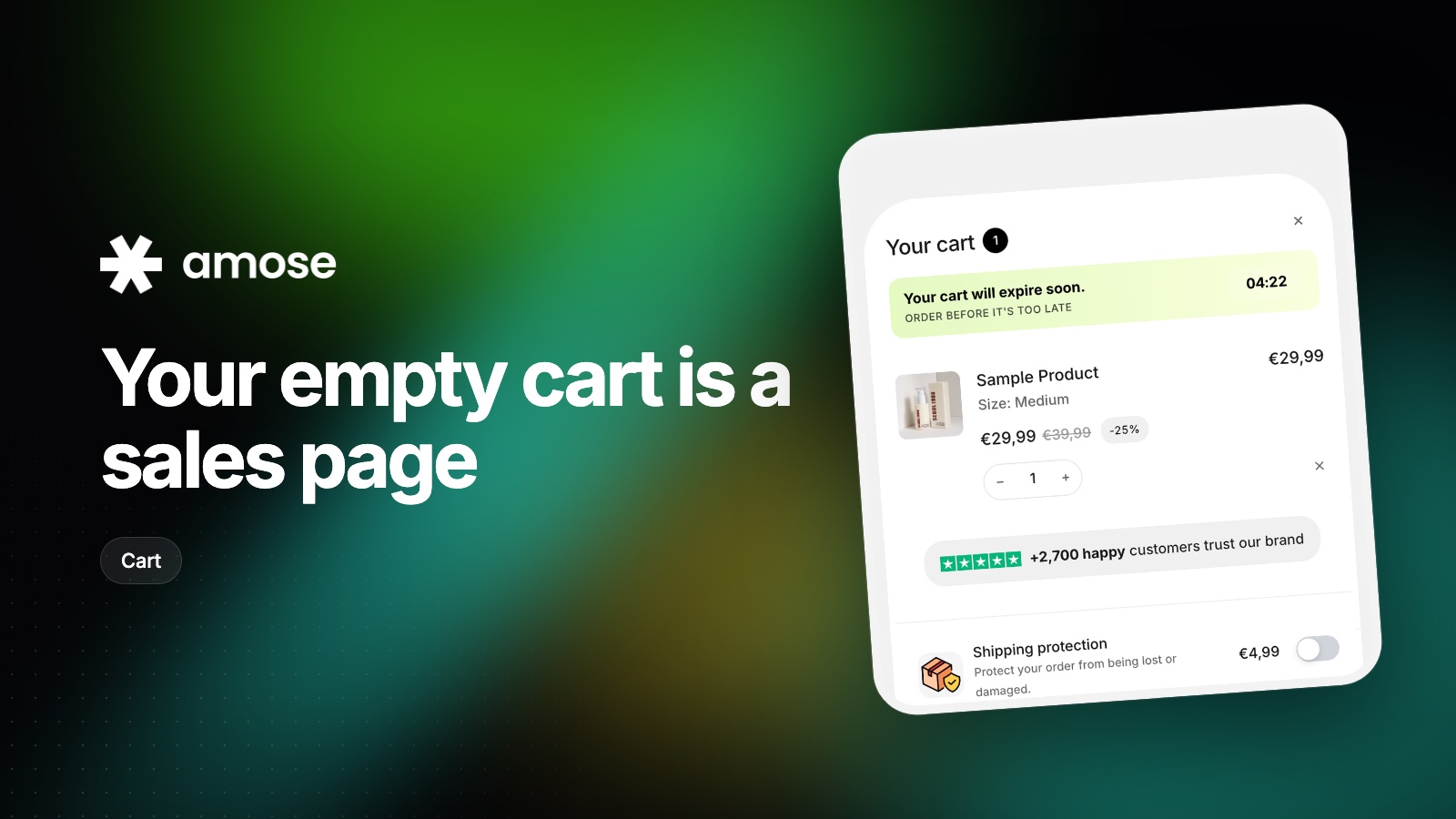
Shoppers who open an empty cart are still looking for something. Here is how to send them back to products instead of a dead end.
Read article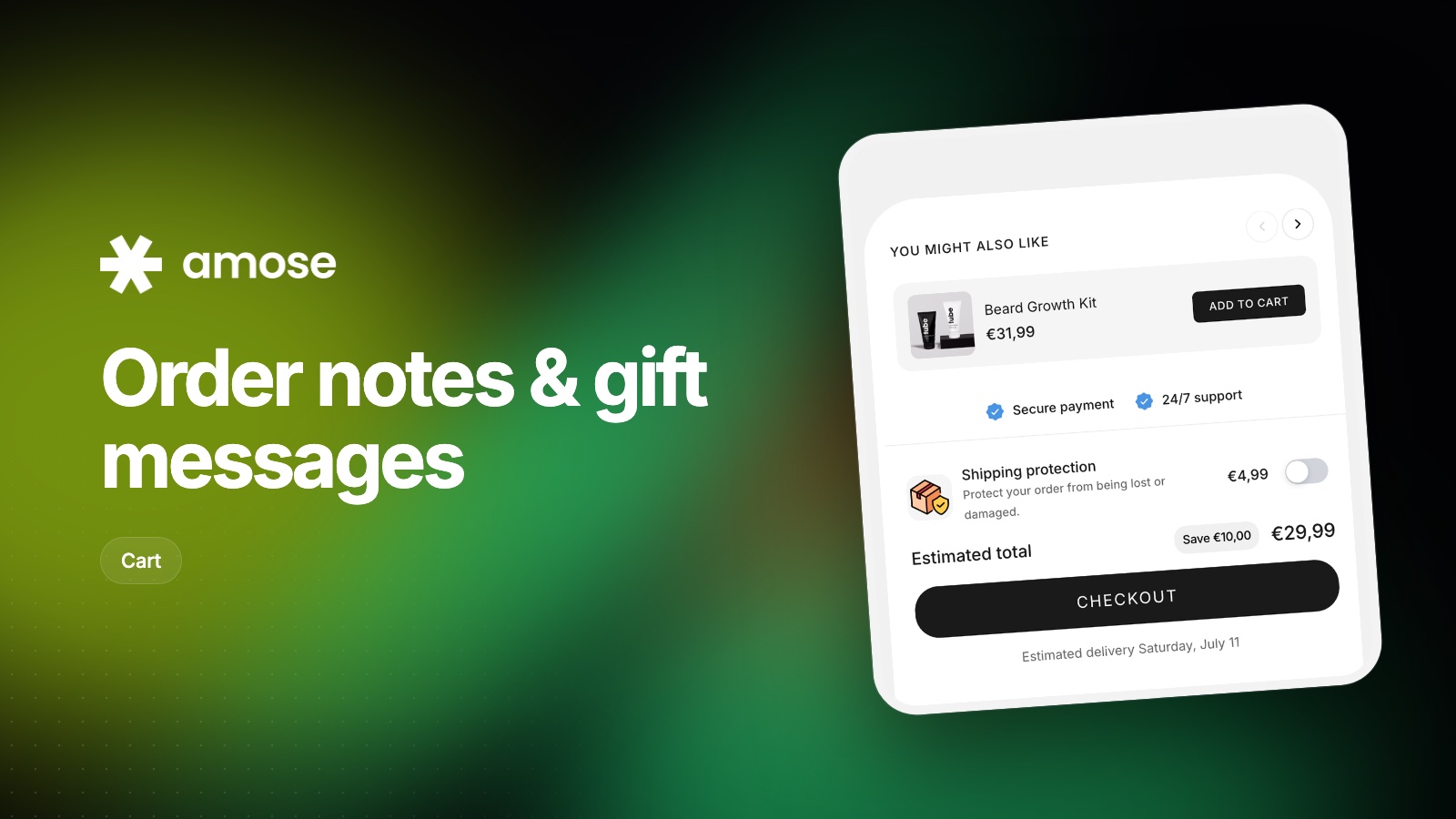
Letting shoppers leave a note or a gift message is easy to set up and often forgotten. How to do it well, and how to handle it after the order.
Read articleInstall Amose on Shopify and start selling more in minutes.