
How to set a free shipping threshold that pays for itself
Set the bar too low and you give away margin. Too high and nobody reaches it. A simple method to find the right number.
Read articleShoppers who open an empty cart are still looking for something. Here is how to send them back to products instead of a dead end.

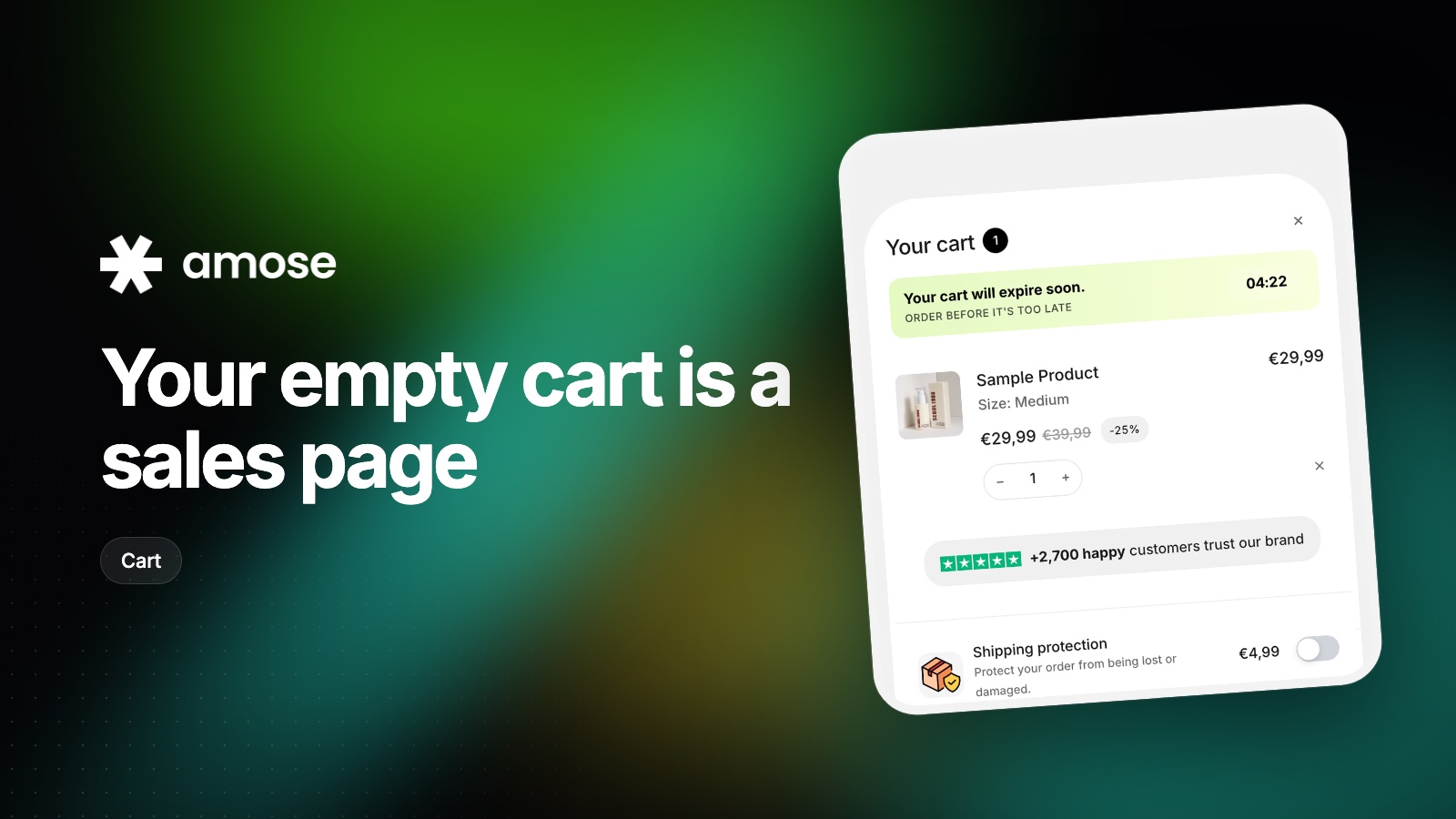
More people than you think. Returning visitors checking if their items are still there, shoppers who removed a product and changed their mind, or mobile visitors who tapped the cart icon by accident. They all have one thing in common: they are on your store and ready to interact.
Most themes greet them with a single line, "Your cart is currently empty", and nothing else. That is a dead end.
Swap the default text for something that sounds like your brand and points to a next step:
Add one button that goes to your most important collection, not your homepage.
Every click you ask for is a chance to lose the shopper. Instead of sending them to a collection, show three or four products directly in the empty cart, each with an add-to-cart button. Your best sellers or your most popular bundle are the safest picks.
If you run a free shipping threshold, mention it here too. It gives the shopper a target before they have added anything.
An empty cart is not the place for a full landing page. One message, one button, a handful of products. On mobile, make sure everything fits without scrolling.
In the Amose cart drawer, edit the empty cart text and button from the Texts tab, and add recommended products so the drawer is never empty. It takes a few minutes and works with your current theme.
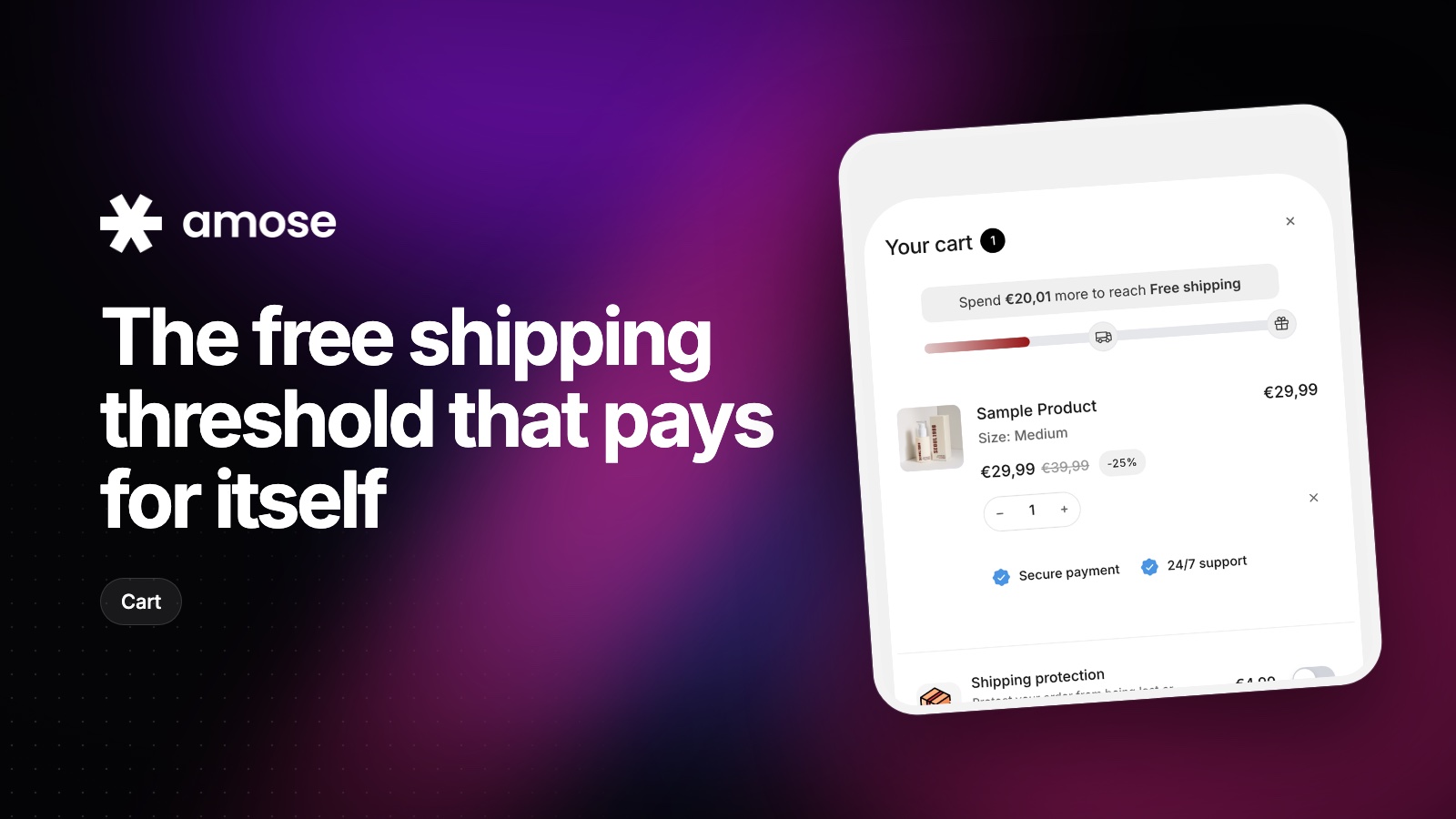
Set the bar too low and you give away margin. Too high and nobody reaches it. A simple method to find the right number.
Read article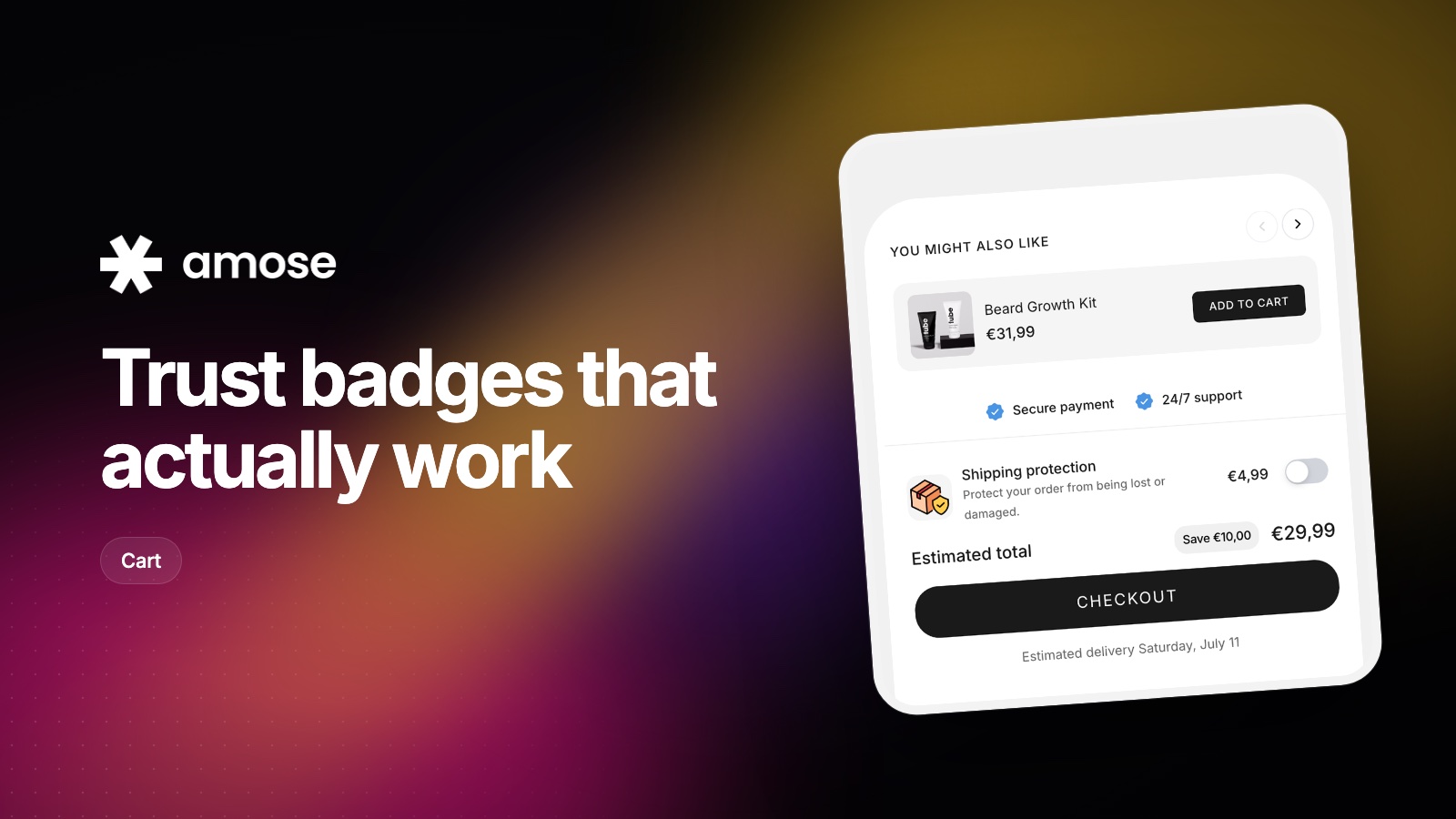
A guarantee only reassures shoppers if they see it at the moment of doubt. Where to place trust signals on your product page and in the cart.
Read article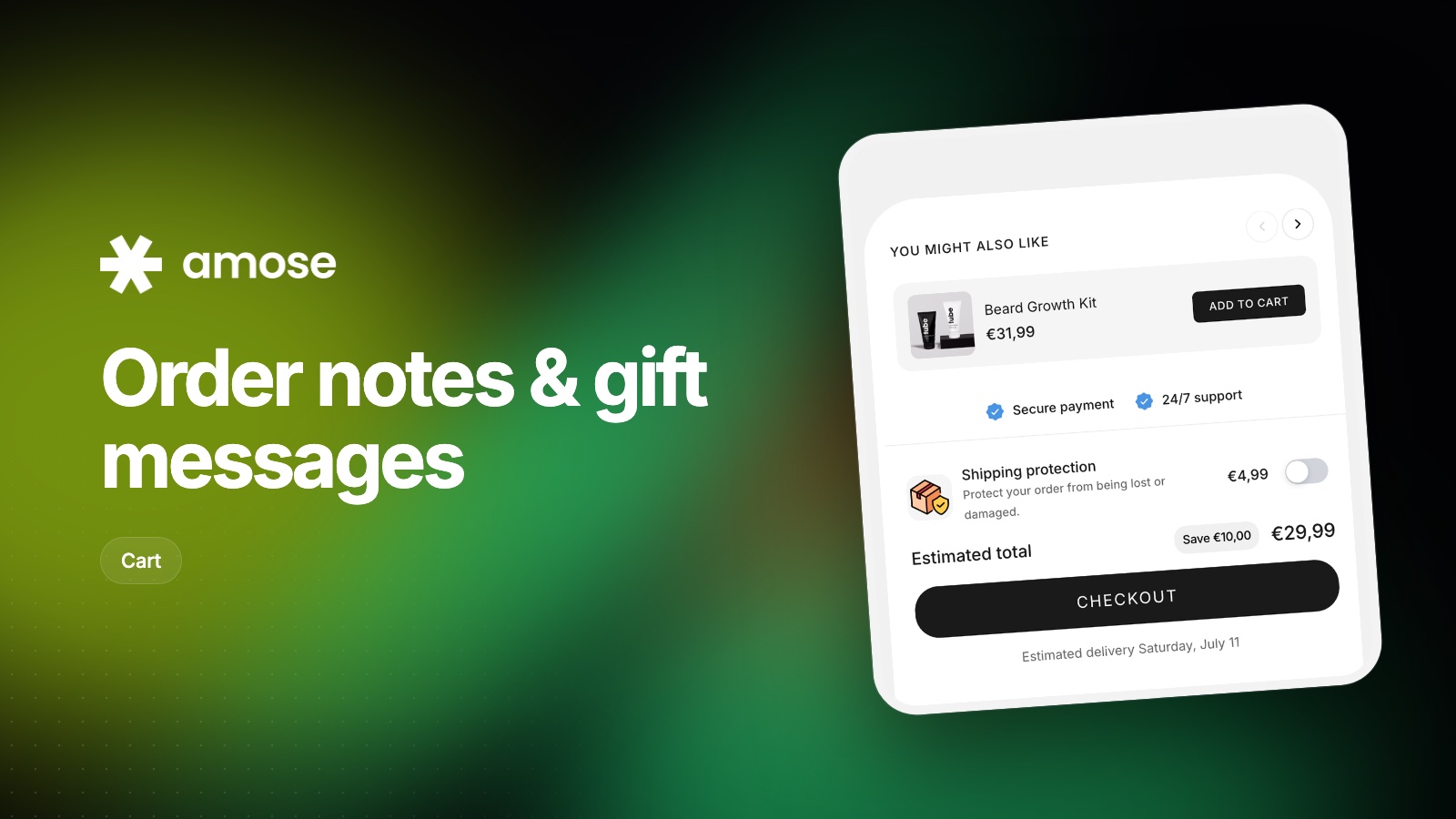
Letting shoppers leave a note or a gift message is easy to set up and often forgotten. How to do it well, and how to handle it after the order.
Read articleInstall Amose on Shopify and start selling more in minutes.